
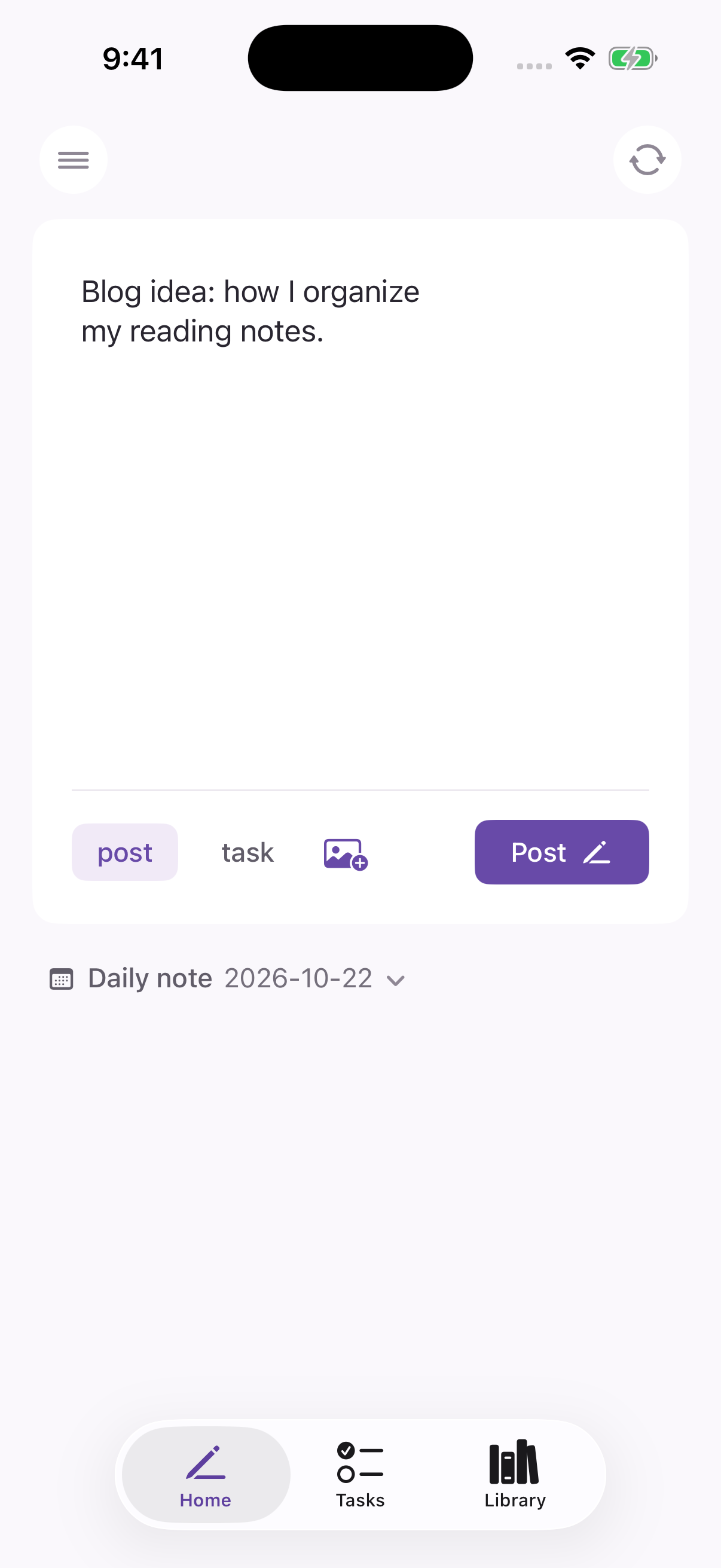
Daily/2026-10-22.md
- Blog idea: how I organize my reading notes. (09:41)
Quick capture notes
Save quick notes to your daily note or any note in your vault.
Quick notes and tasks for your Obsidian vault.

- Blog idea: how I organize my reading notes. (09:41)
Capture notes and manage tasks in your Obsidian vault.
- Blog idea: how I organize my reading notes. (09:41)
Save quick notes to your daily note or any note in your vault.
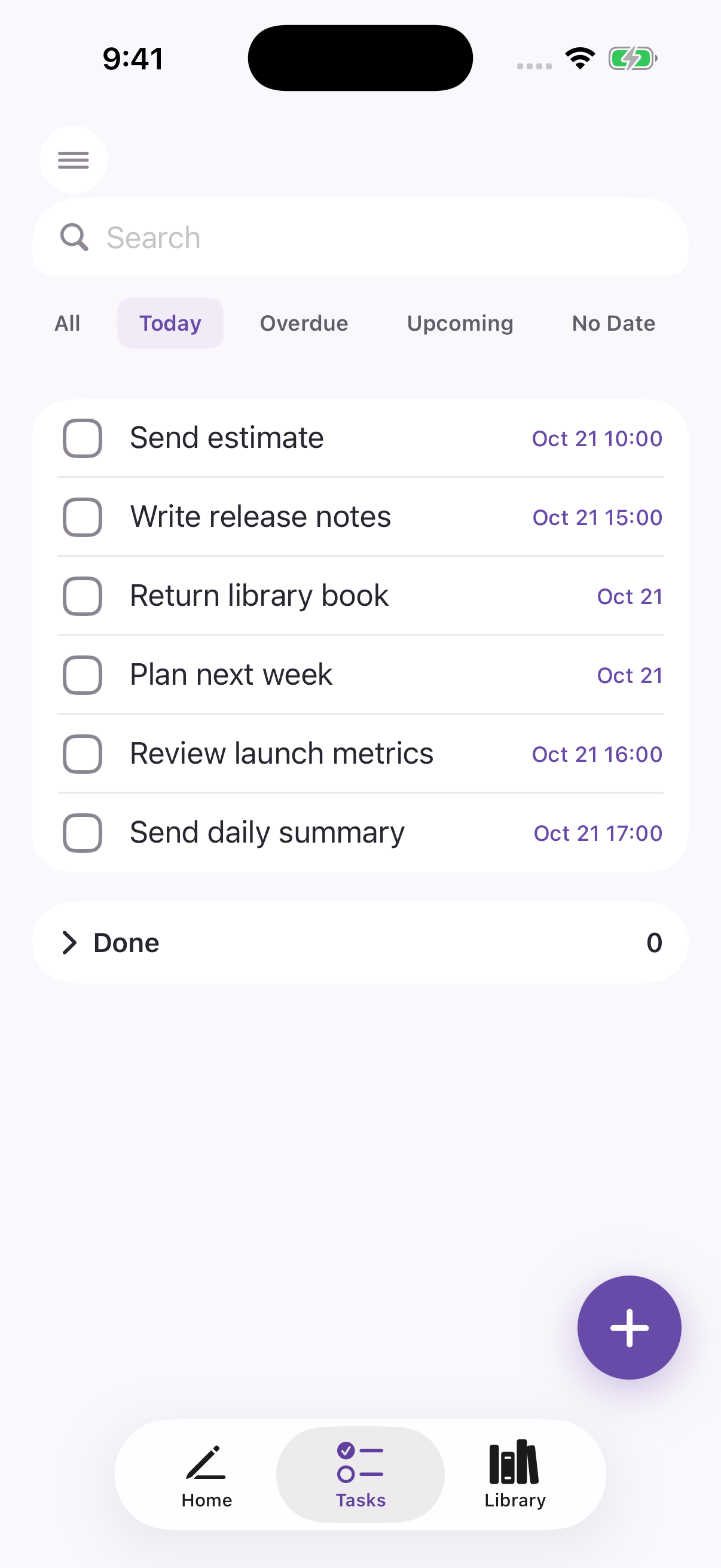
- [ ] Send estimate 📅 2026-10-21 11:00
- [ ] Write release notes
## Completed
- [x] Review the project brief ✅ 2026-10-21
Create, edit, and complete tasks in your Obsidian vault.
Shard for Mac
Capture notes and manage tasks with your keyboard.

# October 24, 2026

- An idea worth keepingSave quick notes to your daily note or any note in your vault.
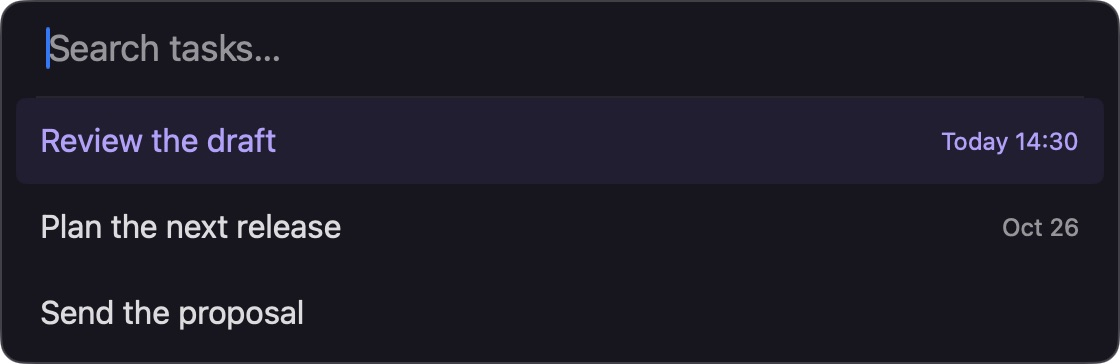

Find tasks, set due dates and times, and mark them complete.
Free · macOS 14+ · Apple Silicon & Intel
Free on the App Store.

No account · Shard never stores your notes